Extracting schematic information from tabular PDF documents using a large language model pipeline
23-01-2024 - Machine Learning in Economic History Workshop
Motivation
What do we as economic historians love?
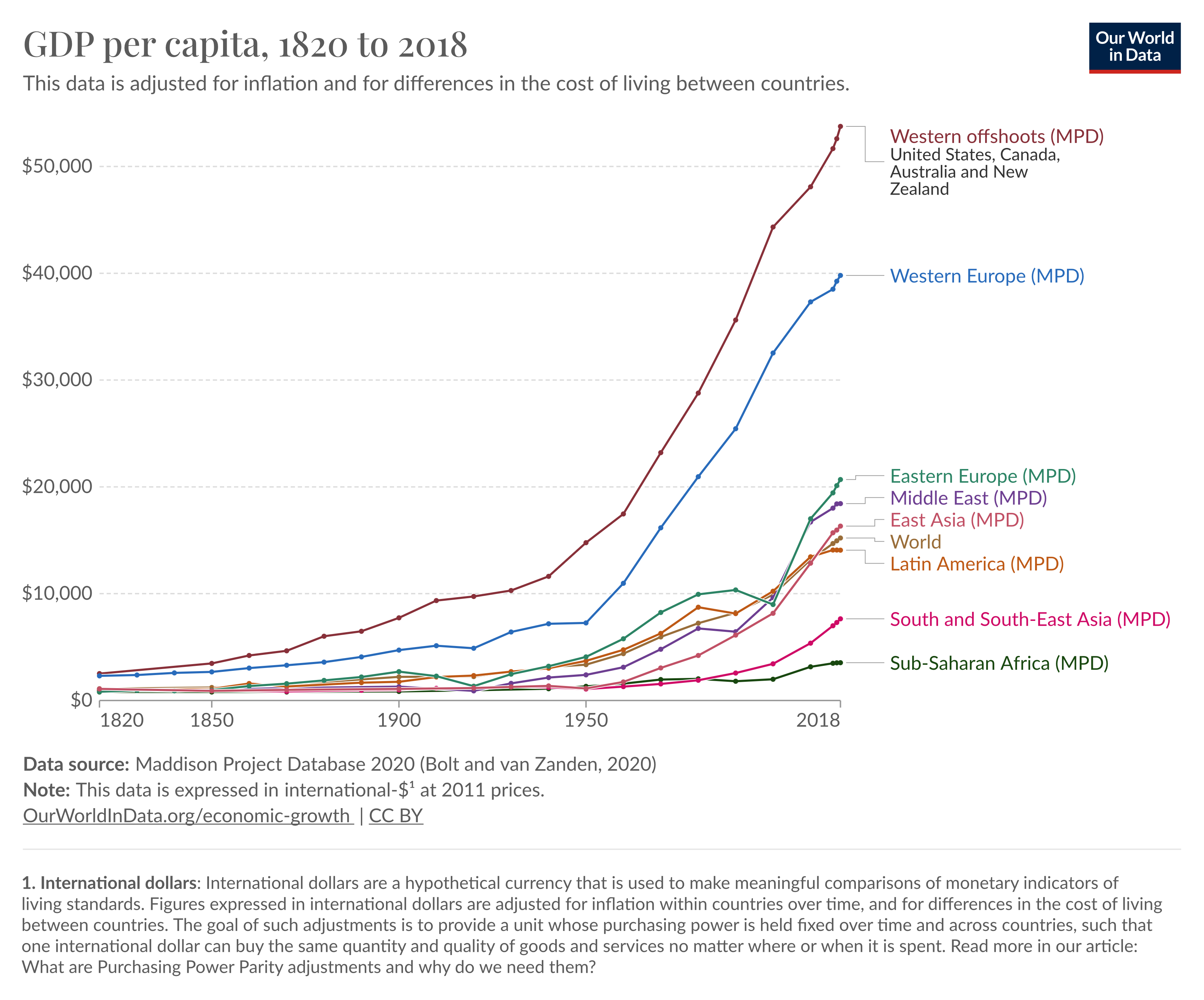
What do we hate?

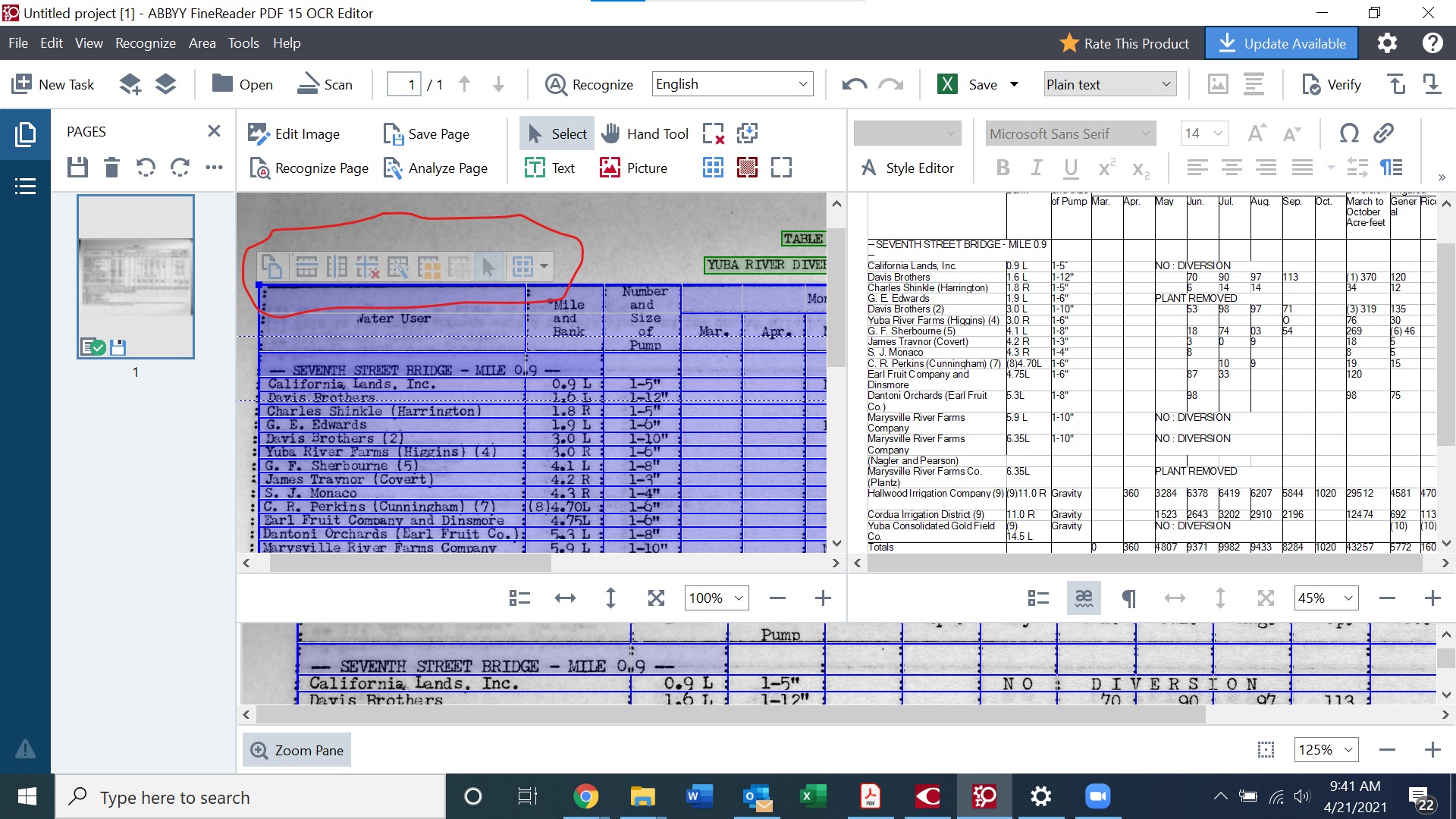
What is possible with off-the-shelf OCR tech?
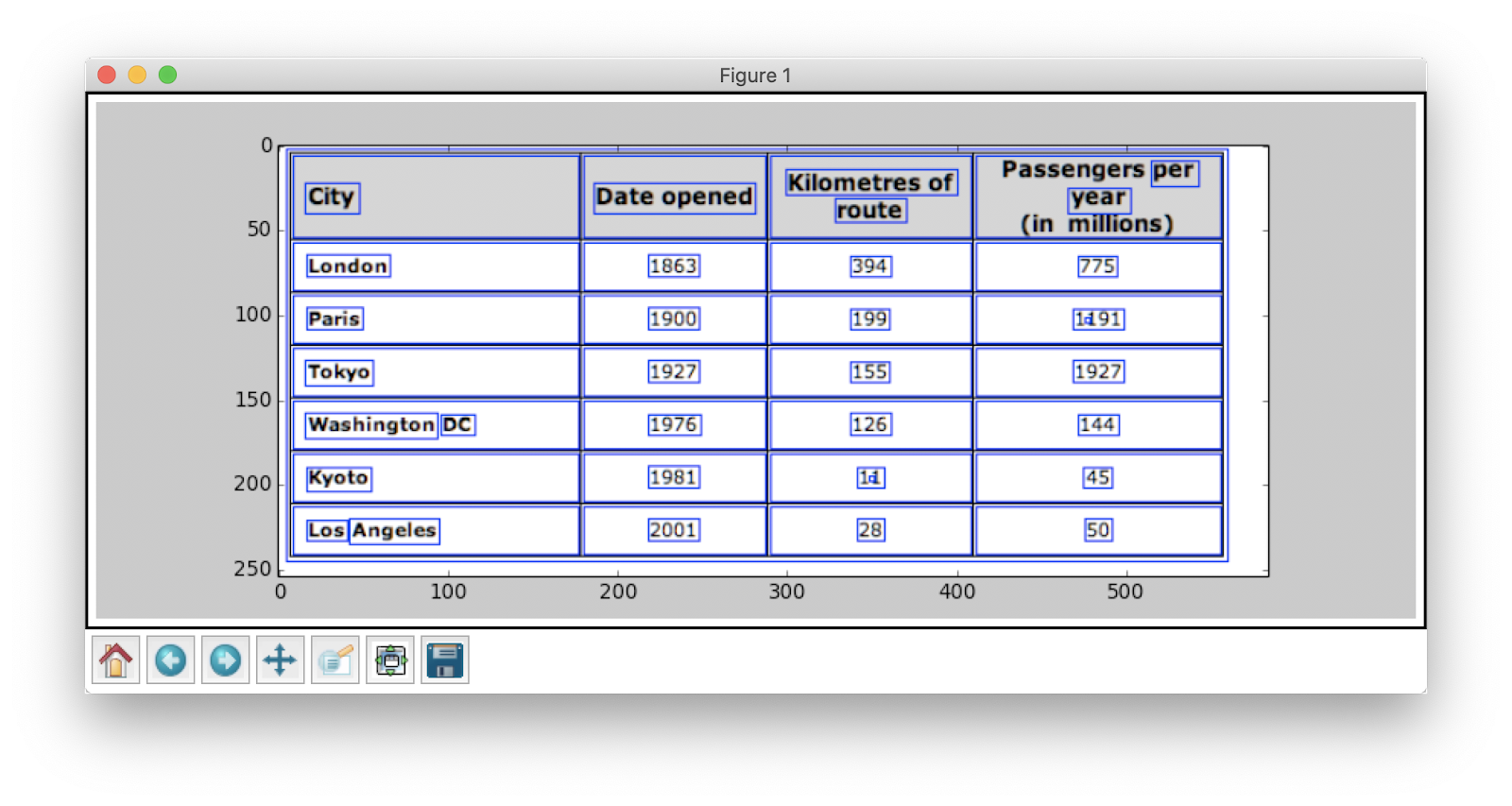
- Computer written text
- Clean lines separating rows and columnss
- Single heading per column
What does off-the-shelf OCR tech struggle with?
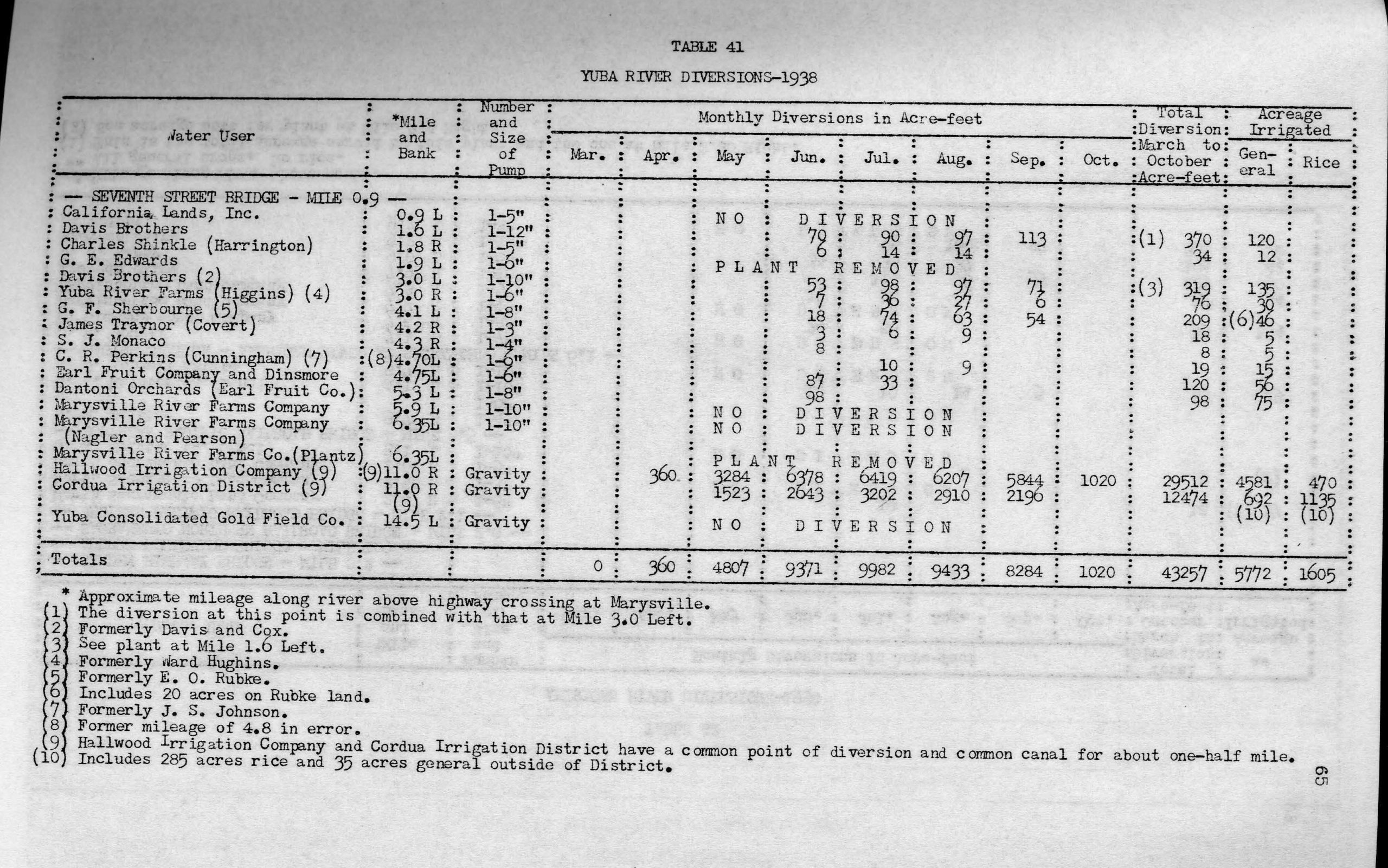
- Poor quality scans
- Lacks clean lines separating rows
- Multiple headings per column
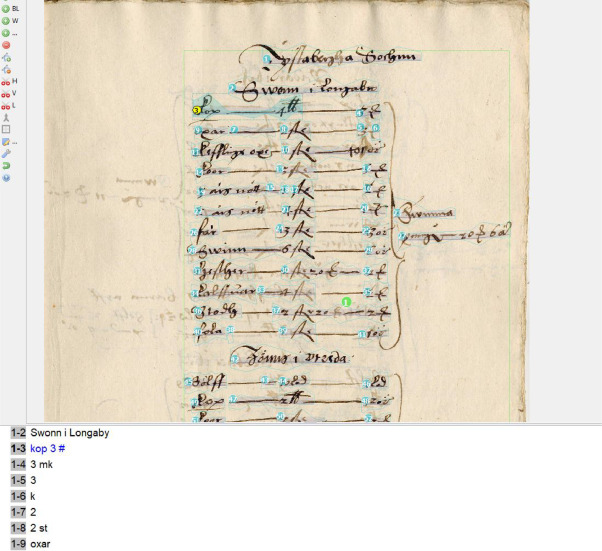
Conventional solutions to theses problems
- Clicky, fiddly, GUI based software
- Expensive
- Not clear that time invested improves system
Custom machine learning solutions
- Use machine learning to train a model to recognize specific tables
- Fantastic for old documents which would be impossible to OCR otherwise
- May not generalize well to other documents
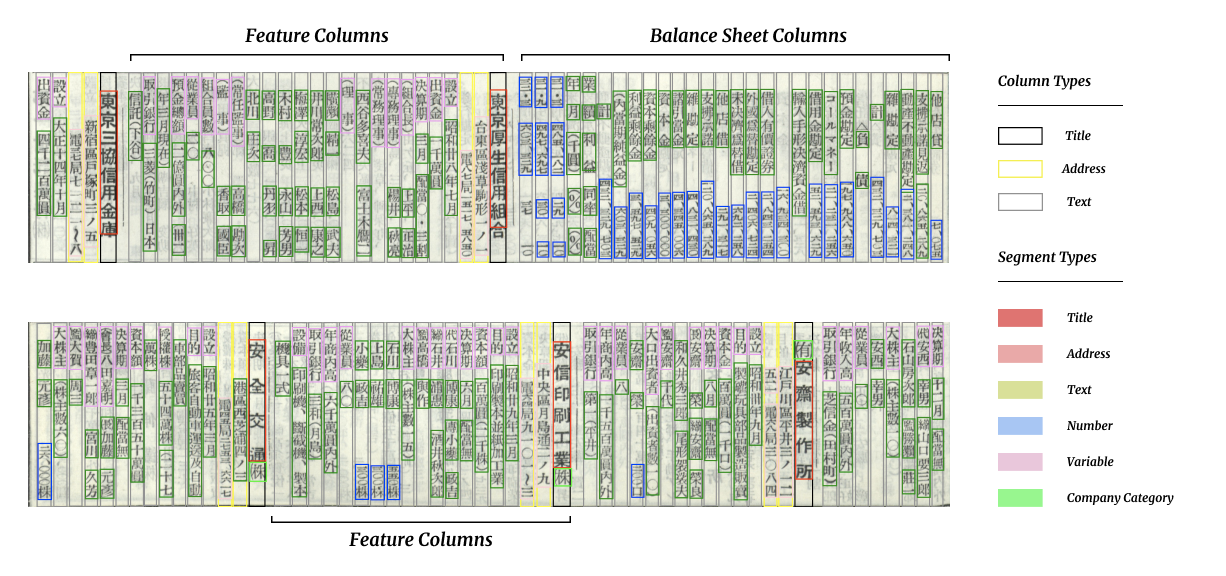
Custom machine learning solutions
- Use machine learning to train a model to recognize specific tables
- Good for when you have a specific type of document you want to extract data from that doesn’t change much over time
- ‘Open source’ - many open GitHub issues
- You really need to know about deep learning and computer vision to use this well.
Research question
How can we use a multi-modal machine learning model to extract tabular data from historical documents of varying vintages?
Example use case:
Company reports in Sweden.
I showcase the method using the annual reports of Electrolux, a Swedish company founded in 1919, now the world’s second largest appliance maker by units sold.
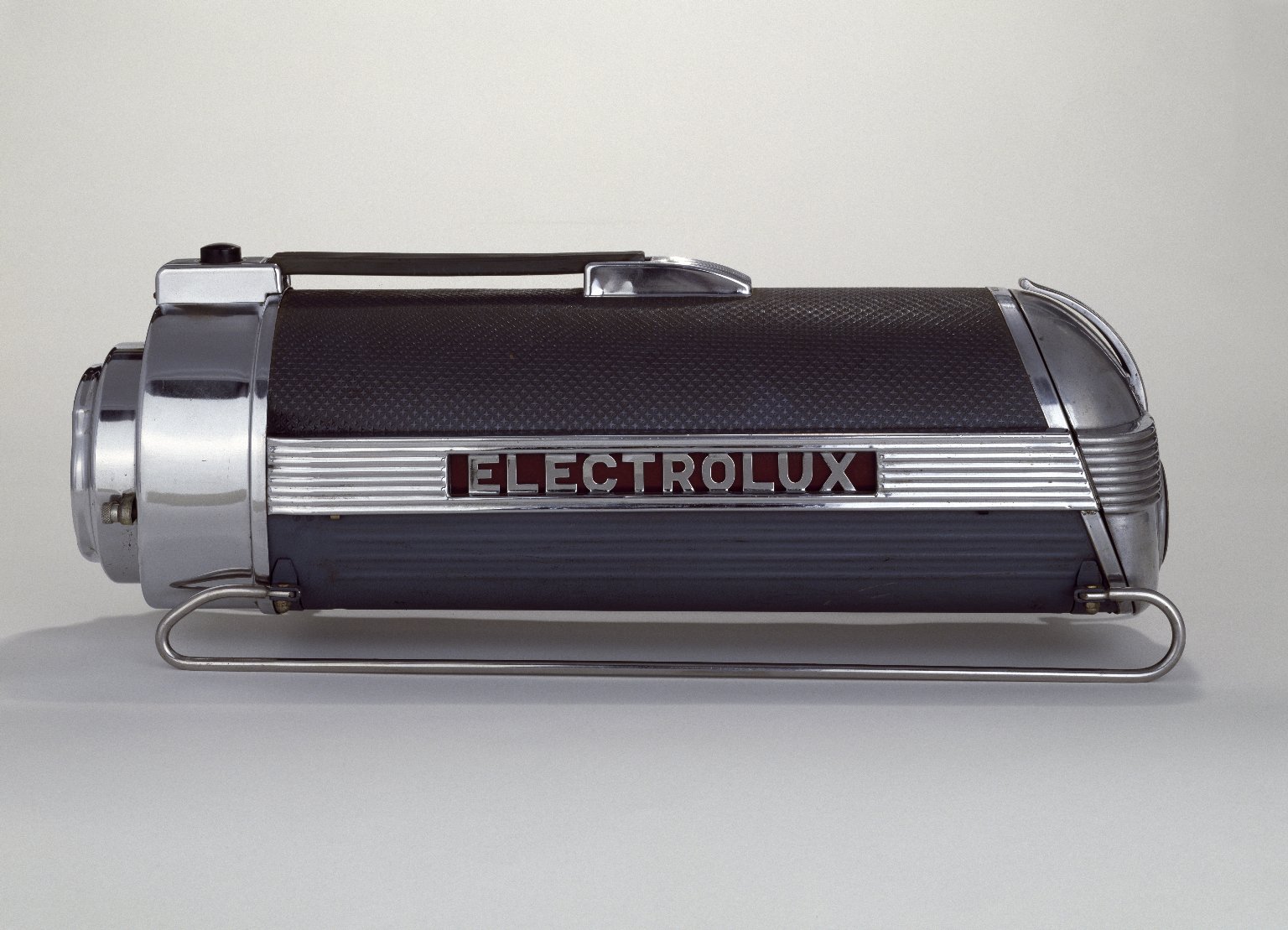
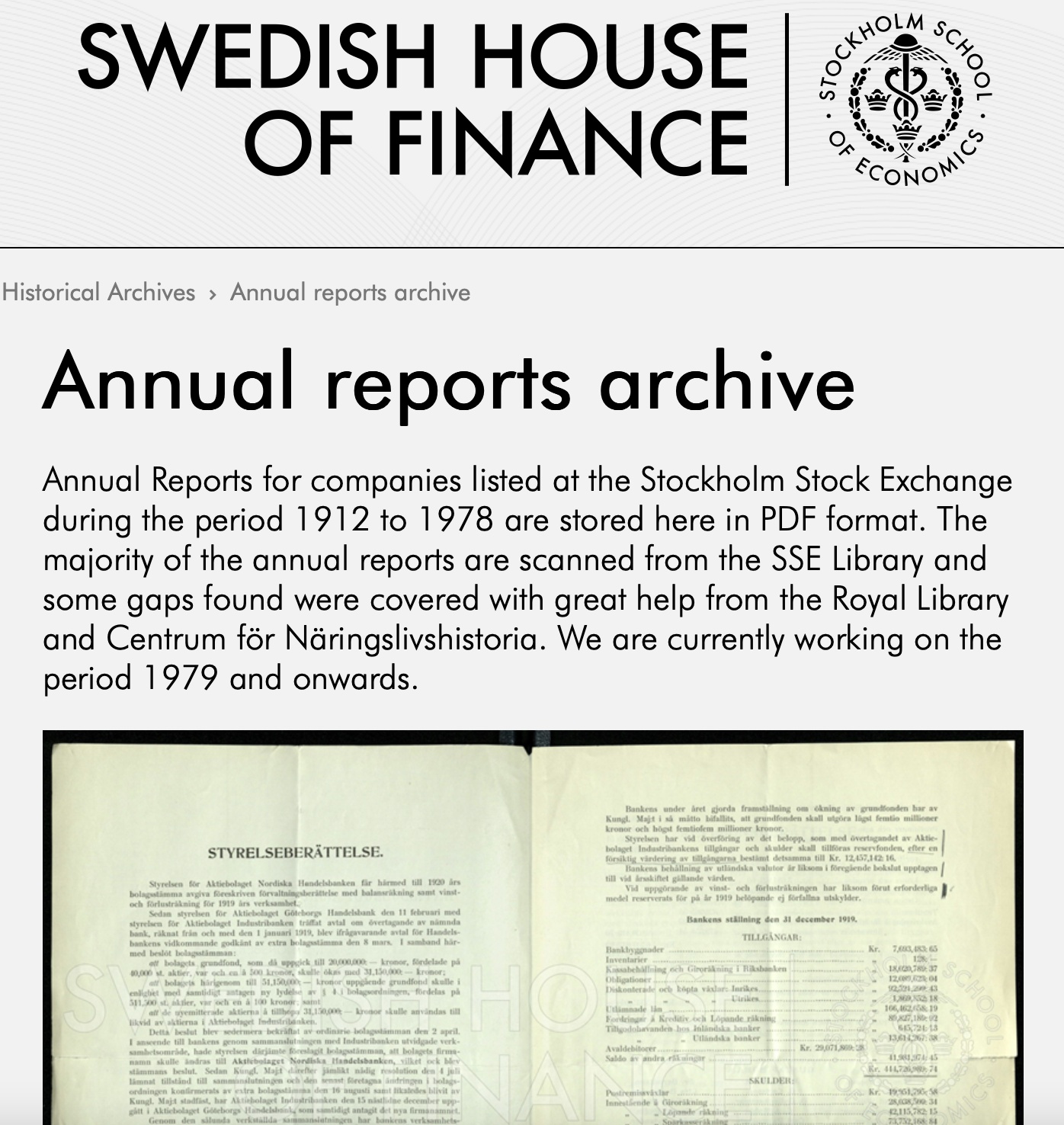
Source of data
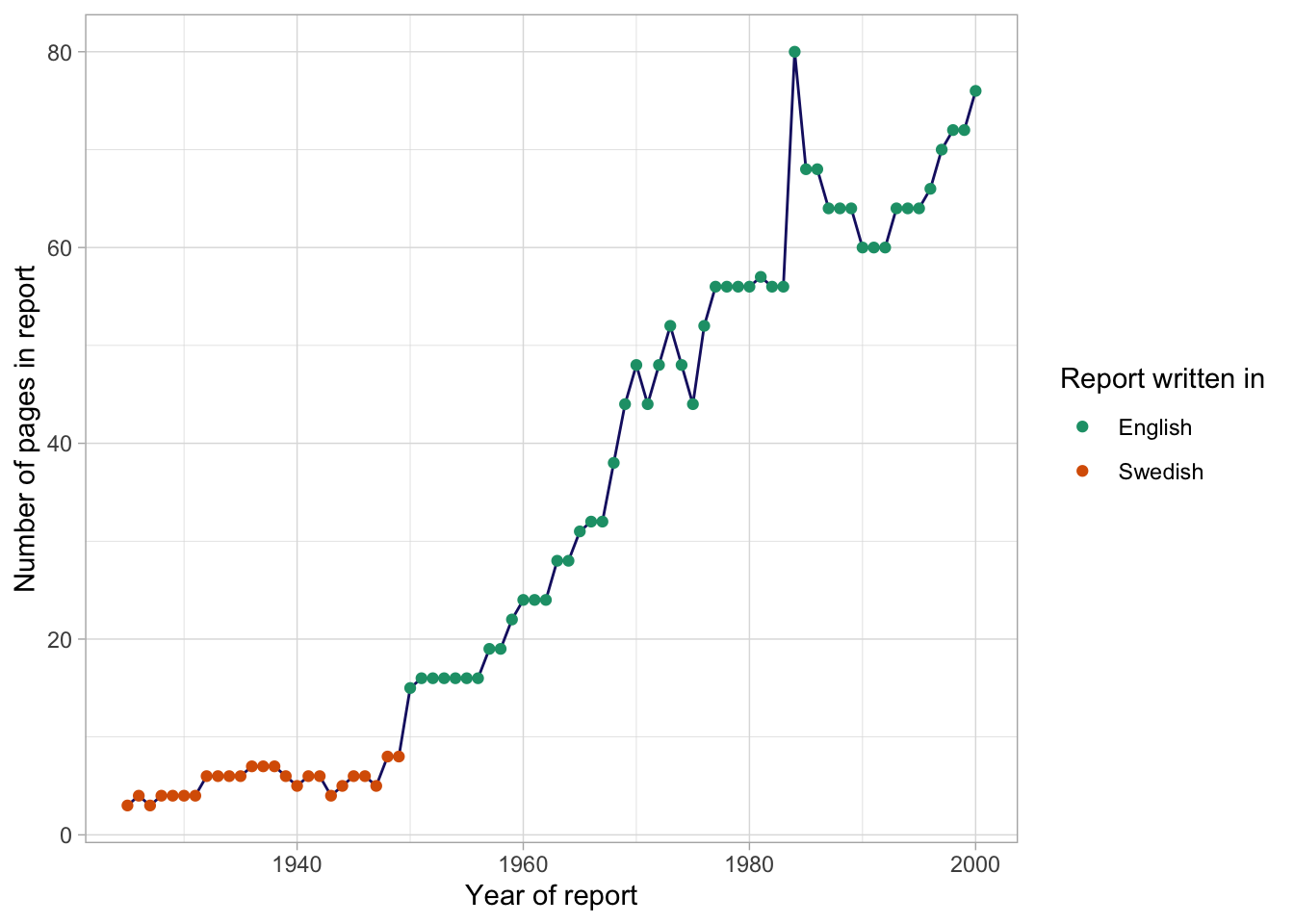
How do the reports change over time?
Reports over time
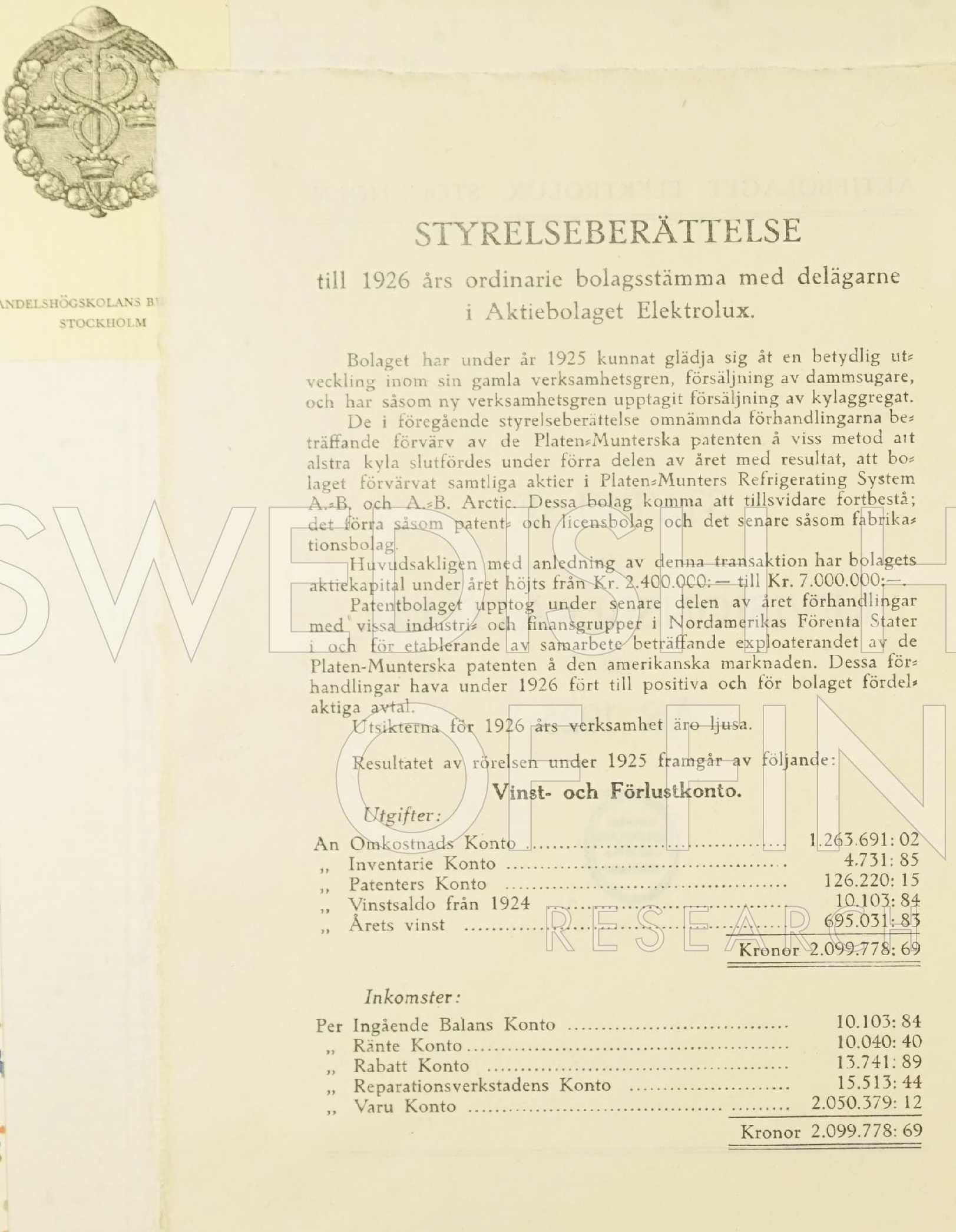
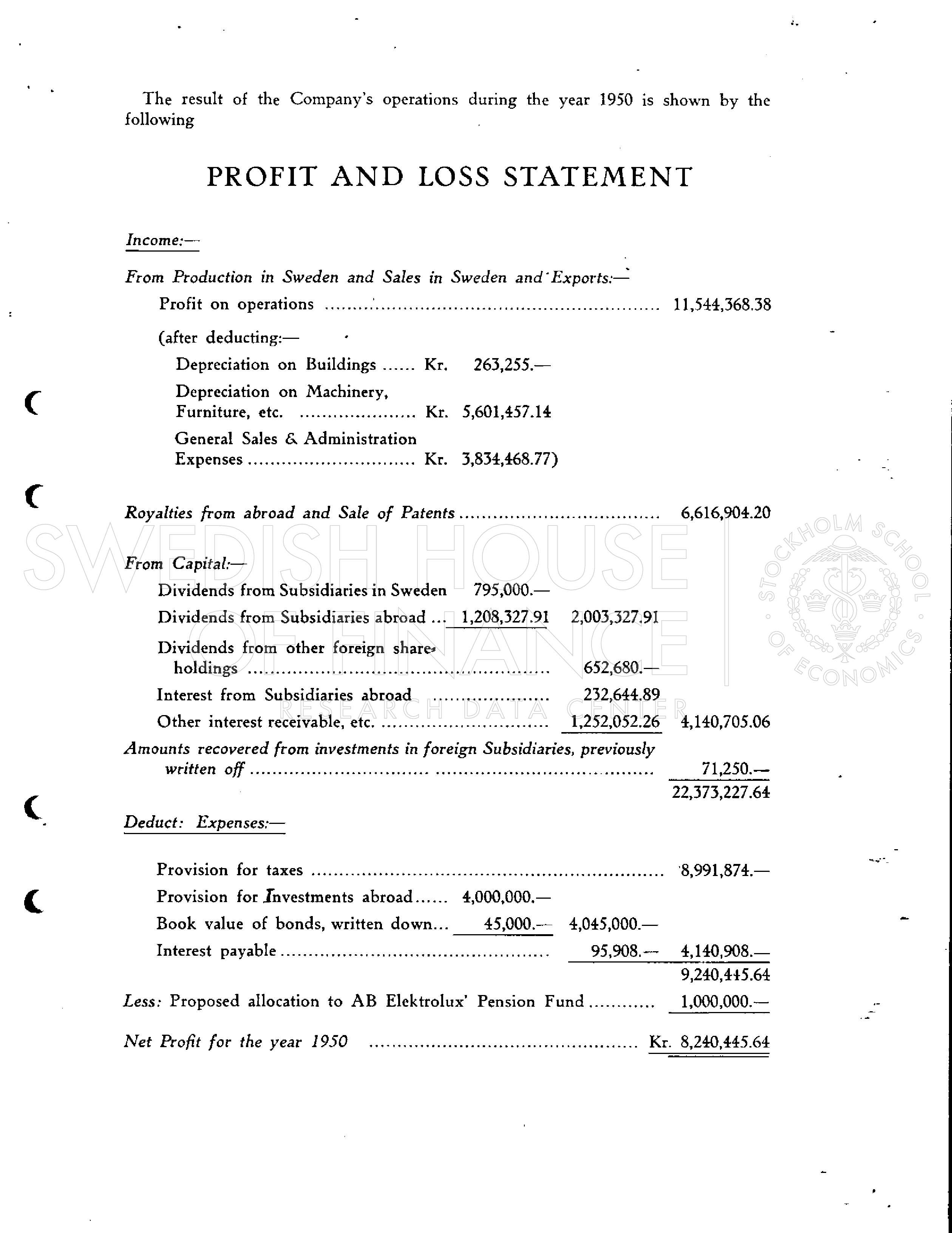
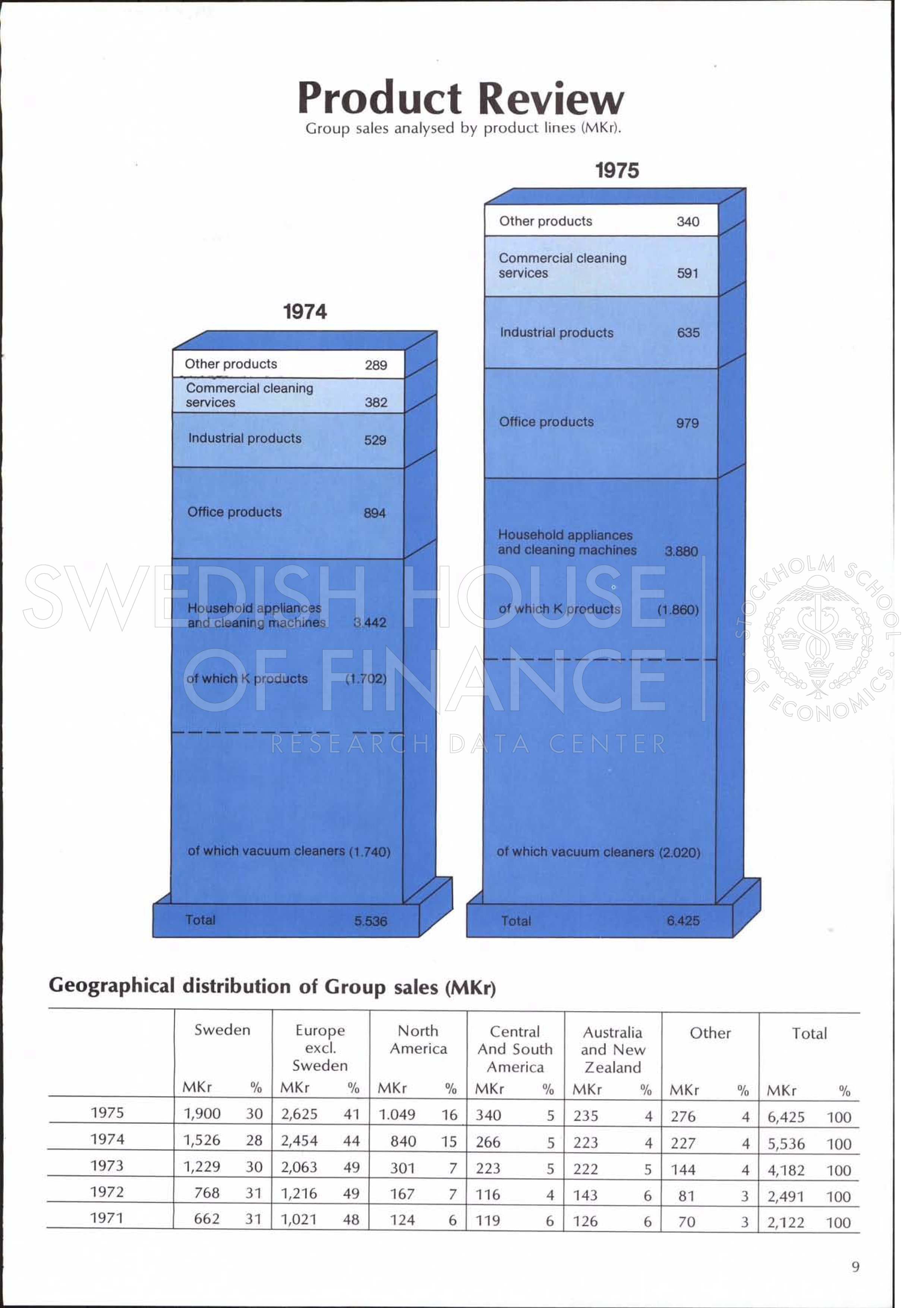
Reports over time: GRAPHIC DESIGN!
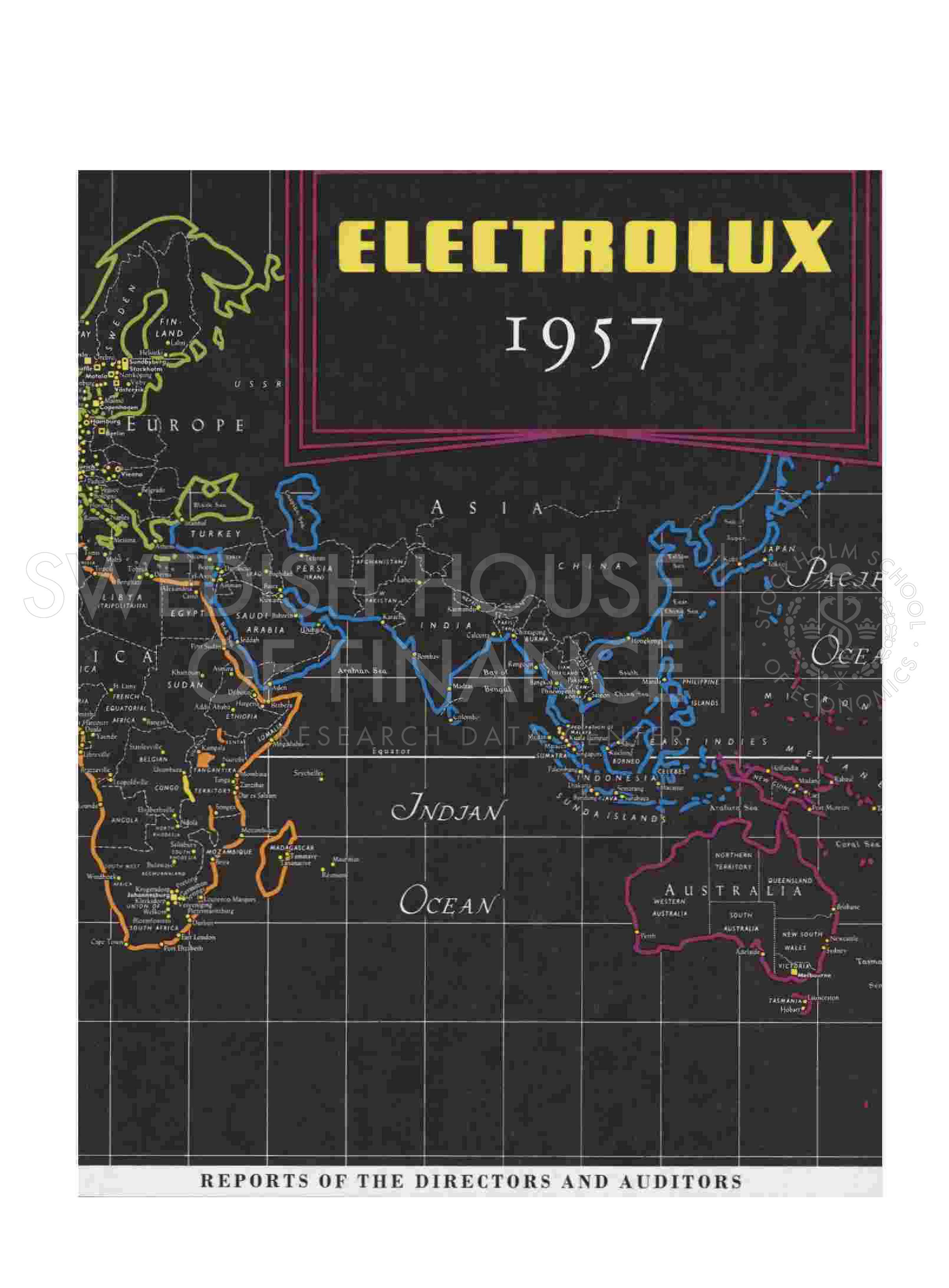
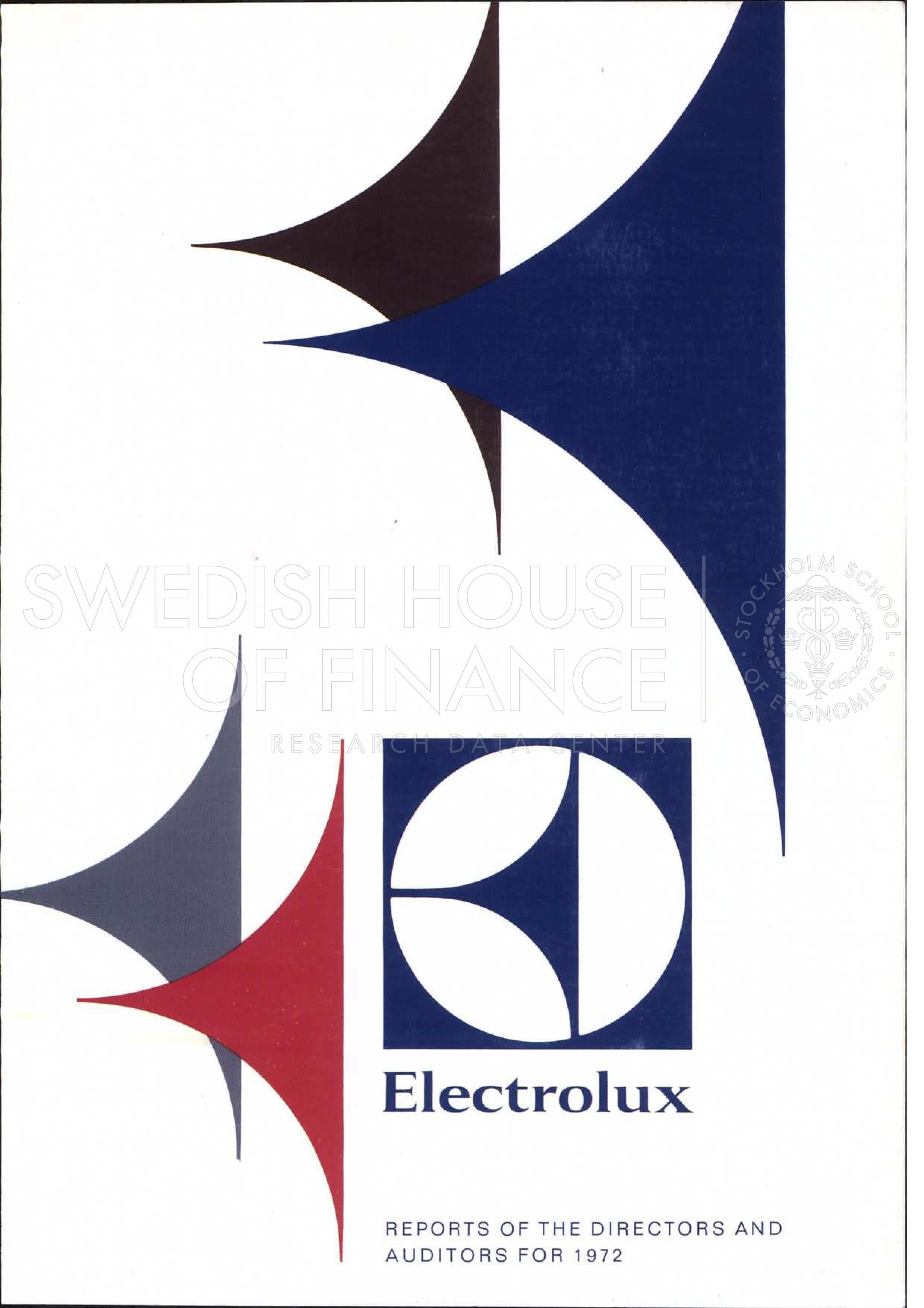
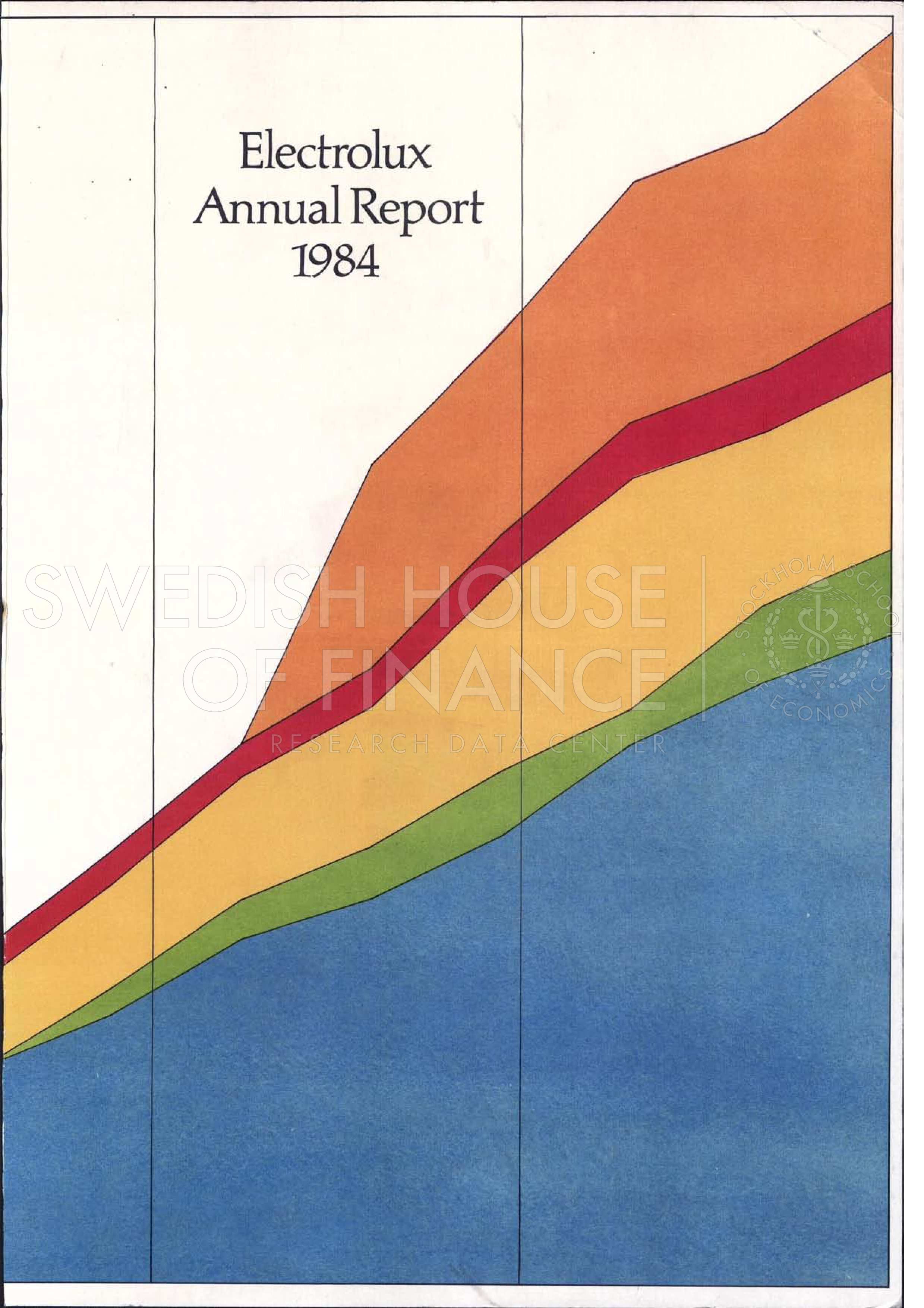
Approach
Combination of vector database for document search and multi-modal machine learning for table extraction.
Approach schematic
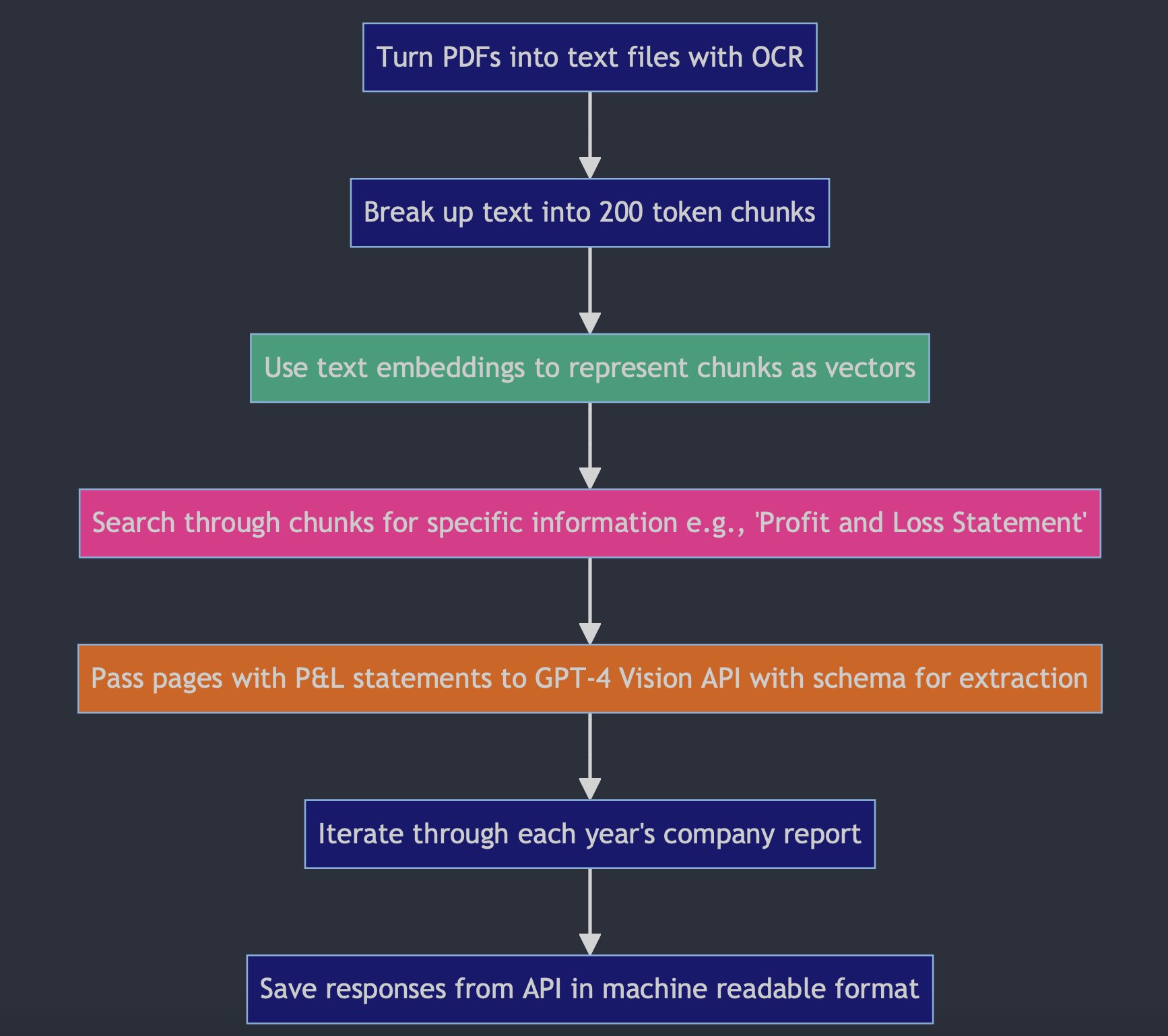
Semantic search explained
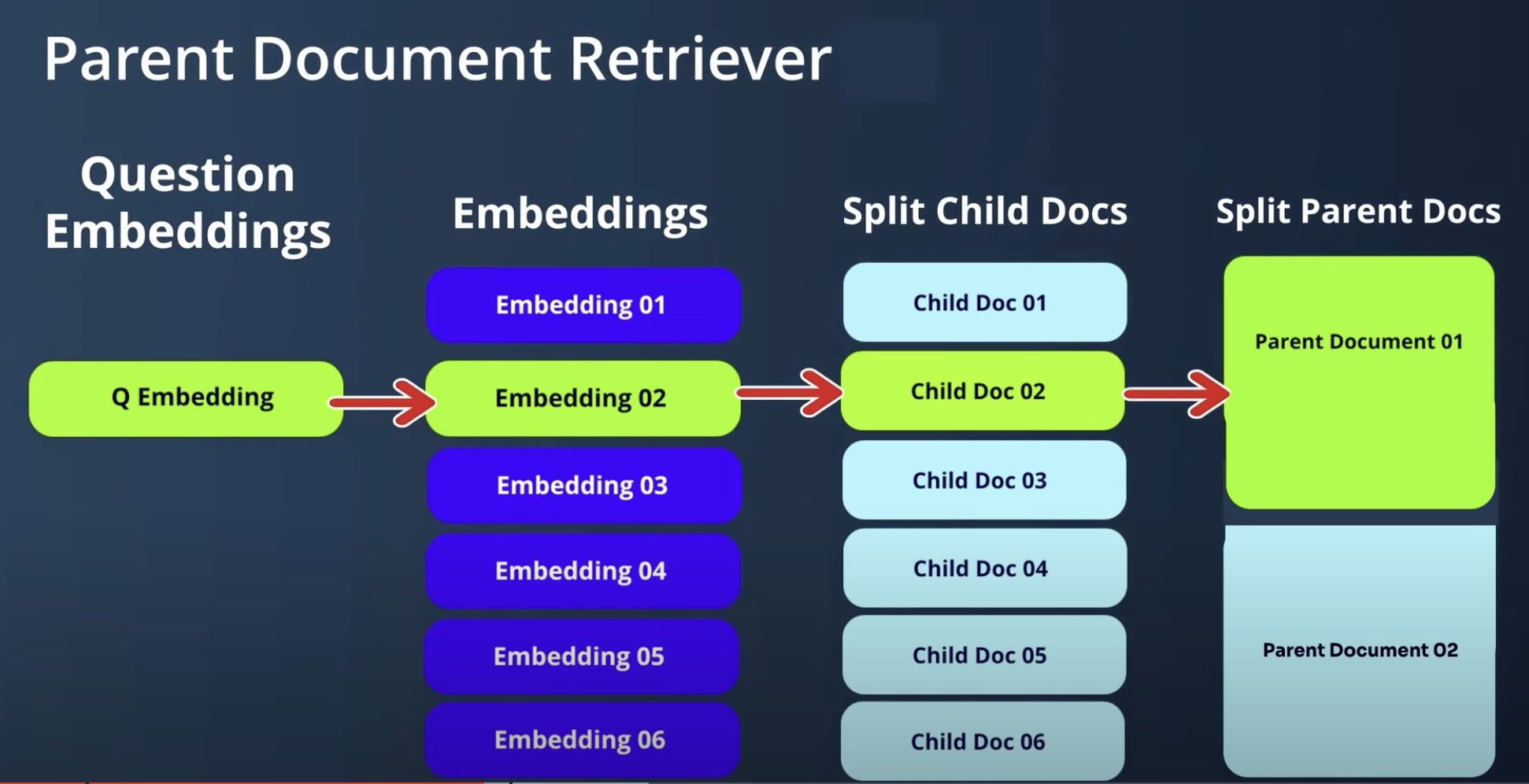
Use text embeddings to represent chunks as vectors
“Vinst- och förlusträkning” ~ [1, 0, 1, 0, 0, …] ~ “Profit and loss account”
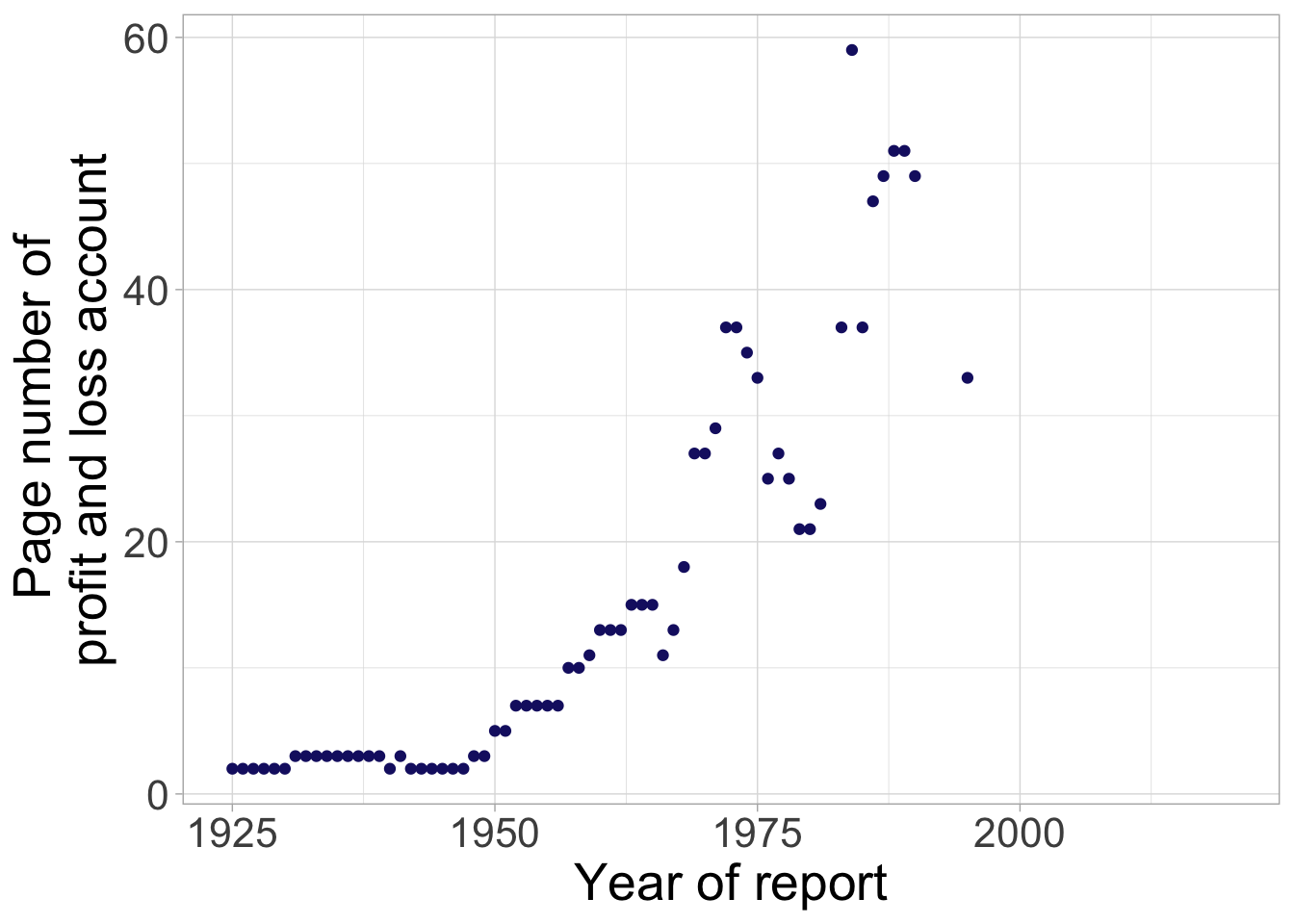
Then we find the page of the document that contains the Profit and Loss account.
The National Library of Sweden / KBLab released three pretrained language models based on BERT. The models are trained on approximately 15-20GB of text (200M sentences, 3000M tokens) from various sources (books, news, government publications, swedish wikipedia and internet forums) aiming to provide a representative BERT model for Swedish text.1
Search through chunks for P and L statement
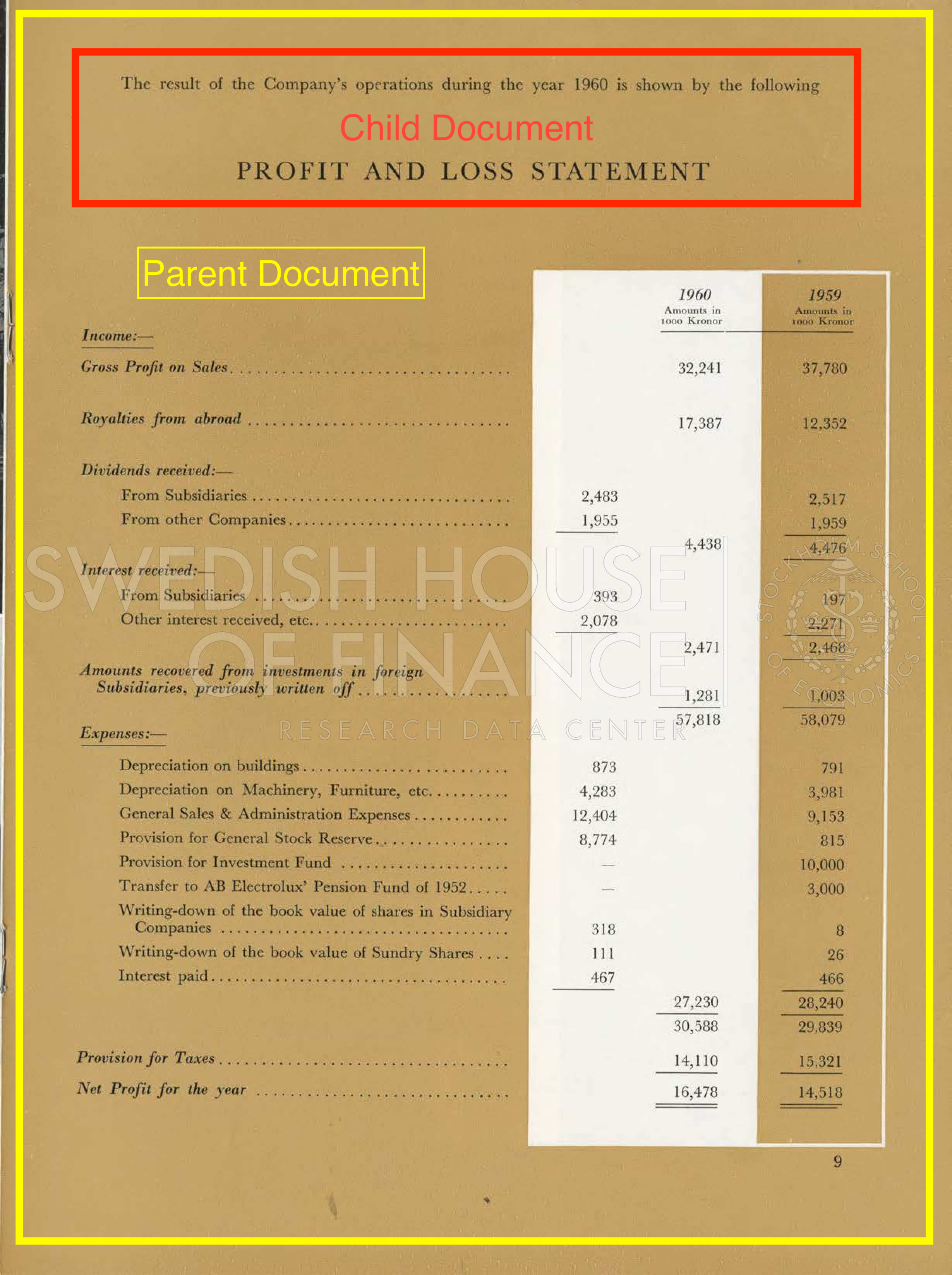
Pass the page to GPT-4 Vision with Schema
schema = [
        {
            "key": "year",
            "description": "The year for which the financial statement is being reported."
        },
        {
            "key": "taxes",
            "description": "Total taxes paid by the company, also called 'skatt' in Swedish"
        },
        {
            "key": "net_profit",
            "description": "Net profit earned by the company for the year, also called 'Nettovinst för året' in Swedish"
        }
]

payload = {
    "model": "gpt-4-vision-preview",
    "messages": [
    {
        "role": "user",
        "content": [
        {"type": "text", "text": prompt},
        {
            "type": "image_url",
            "image_url": {
            "url": f"data:image/jpeg;base64,{base64_image}"
            }
        }
        ]
    }
    ],
    "max_tokens": 1000
}
System output
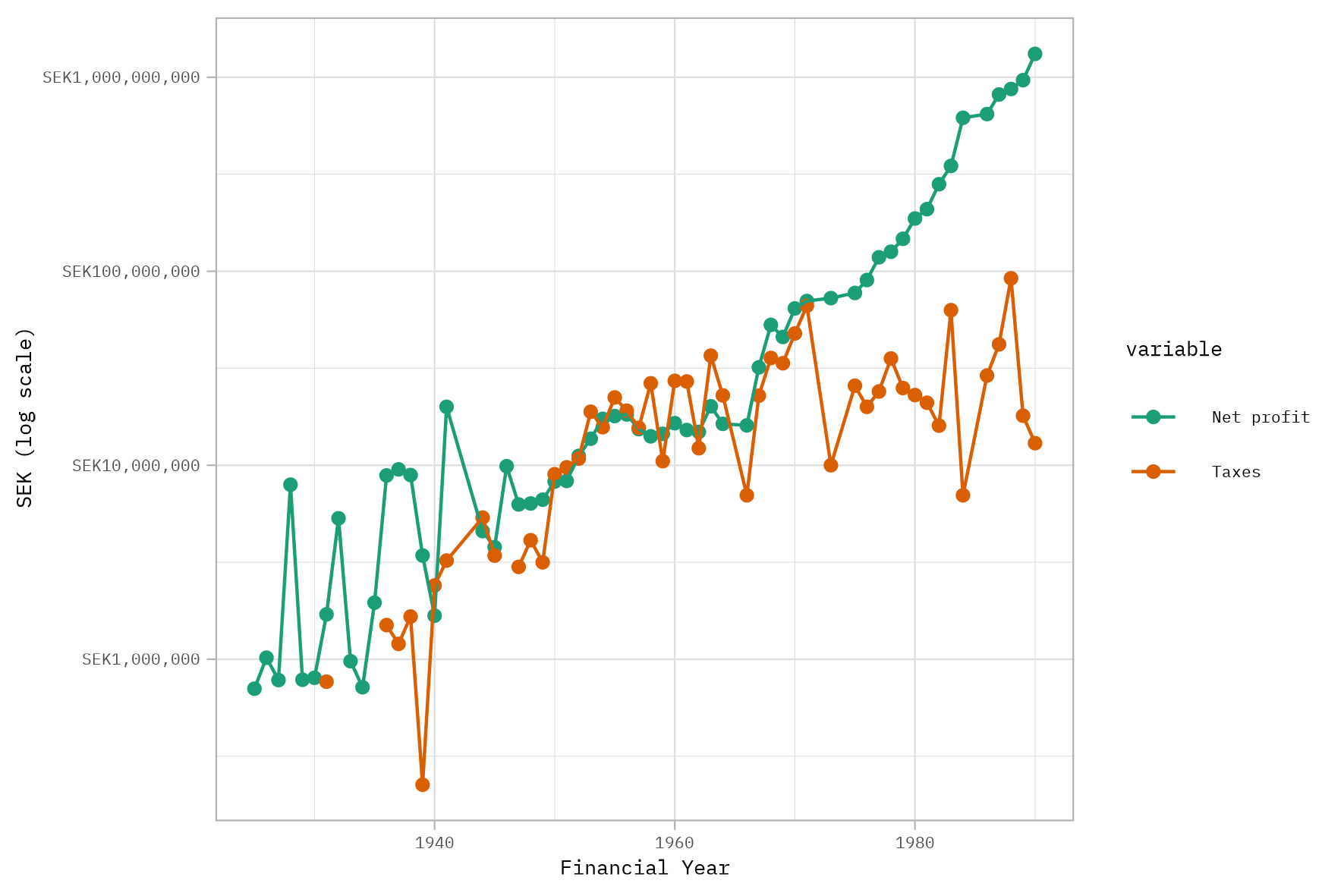
Why does this work well? What are the limitations?
Advantages
Skip step structuring with OCR
- This is a difficult task
- ‘Small’ errors can lead to big problems
- E.G 1,00 vs 1.00 or leading zeros
‘Read’ the document like a research assistant
- ‘Understand’ the context of the tables
Fast and cheap
- 2 mins processing time to get the result for 75 years of reports
- After you’ve built the pipeline, switching to another company is easy
Limitations
- Requires clever schema design to get the data you want
- Requires time to manually check outlier results
- Works best with small tables
- Not easily reproducible by others (though neither are research assistants)